

analitica-digital5 min read
Eye Tracking in Marketing: Where Your User Looks
Eye tracking shows you exactly where users look on your website. Learn how to use it to improve user experience and increase conversions.
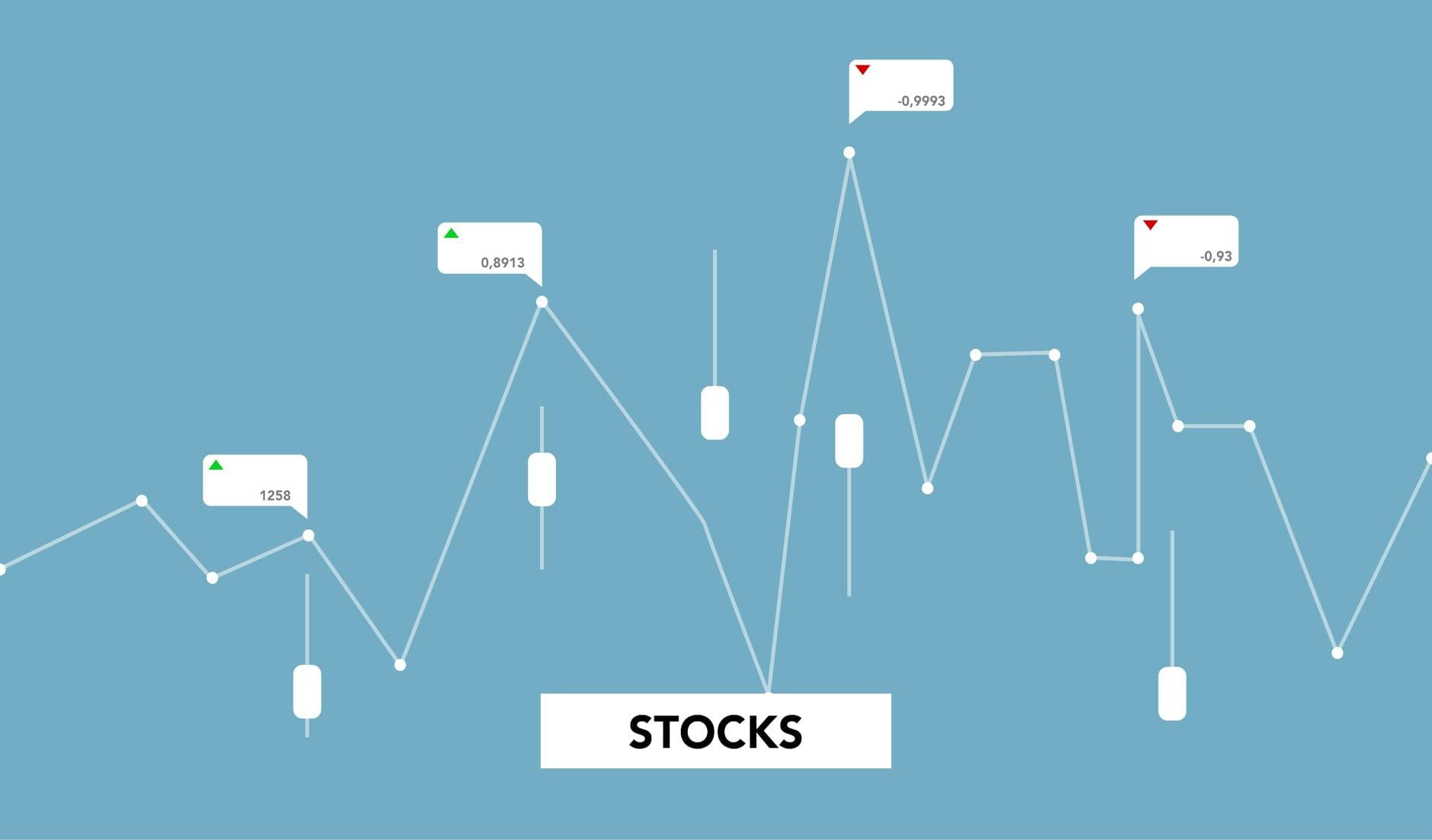
We navigate a sea of information. An ocean, more accurately. All the advances in computing, technology and data collection and analysis have brought us to a point where virtually any information we can imagine is just a click away.
There is no question that having this amount of data is a positive thing (and those of us who work in this field would certainly agree). But the fact that this sea of data can often lead to what is known as infoxication or information overload is also a reality. That is why you need interactive charts.
What do we do with so much data? How do we analyse it? Making sure you truly take advantage of all the information at your disposal and are combining it well is quite a challenge. A challenge we will address in this article and for which we propose a solution: interactive charts.
We will explain the key features of charts that can revolutionise your web analytics and the way you interpret the data available to you. Thanks to them you will be able to gain agility and make more strategic (and faster) decisions that help you improve all the metrics that matter most to you.
We know what a chart is. And we know what interactivity is: allowing reciprocal interaction between two or more objects. That is, the person interested in analysing the data and the chart itself. Interactive charts are those that allow you to interact with the data without needing any technical knowledge, adding variables, modifying filters and much more.
But behind that interactivity there is a lot of work. And what really allows you to interact with them is a solid data management and cross-referencing framework. Because to enable that interactive visualisation, the data architecture must be solid and reliable.
Unlike static charts, this kind of interactivity is key to obtaining a much clearer and more granular view of the information. Combining different data sources and analytical variables is the lighthouse to guide yourself through this infinite ocean of information.
But all of this — what is it actually for? Many companies consider that 4 or 5 key indicators are enough to understand the results of their website and services or to understand user behaviour. But trust us: if you do not visualise your data dynamically, you are leaving a lot on the table. Here are some examples to understand their usefulness:
Imagine you have just launched your new digital marketing campaign. Everything is running and you start receiving the first data. It looks like things are going well, but you have no way of knowing which channel is converting better. Is it Facebook Ads? Maybe TikTok? Without an interactive chart, you will not be able to filter the information.
It is very likely that your website is available in several different countries. And while it performs perfectly in Italy and Spain, what about France? It is the same website with the same experience, but the metrics in France are not the same. With an interactive chart you could review the steps your French users follow, identify where the problem is et voilà!
Beyond specific cases where an interactive chart can shed some light among all the data, there are universal advantages to this type of visualisation. Advantages that, regardless of your needs, can make a difference:
Greater depth and granularity in your data analysis – Thanks to cross-referencing data from multiple sources, you will have the opportunity to break it down in more detail and combine it to access more specific insights.
Personalisation and adaptability of the data – Each person will have the freedom to shape a chart that responds to their most specific needs. Because it is not the same to analyse data from the Finance team's perspective as it is from Marketing's.
Greater agility and responsiveness – Interactive charts also allow you to follow the progress of data in real time. They generally update automatically and you can see what is happening live and in real time. And if you know what is happening right away, you can react faster.
Reduction of data overload – No more infoxication. Now your team can see the data that truly matters to them and analyse the information that genuinely adds value without spending hours and hours among figures that tell them absolutely nothing.
Are you getting the itch for interactivity? Understandable. The advantages are clear and it is about time that all the data you accumulate sees the light (and sees it dynamically). So it is time to get your analytics in order and start shaping the charts that are going to revolutionise your business.
The first thing you will need is for your data to be well-organised and structured. It is possible that you have not reviewed your databases or how you are collecting the information that drives your business in a while. Whether through a CSV file or an API, make sure your data is clean. And by clean, we mean data cleansing. In other words: no duplicates, no errors and so on.
The options are almost as infinite as the ocean we were talking about. It all depends on your level of familiarity with this type of tool and the complexity of the charts you want to create.
In general, if you are taking your first steps in interactive charts, the recommended approach is to go for tools like Looker Studio (which allows you to connect with other common Google tools like Google Sheets), Tableau or Power BI. All three integrate well with different data sources and offer an ideal level of customisation.
But if you are an advanced learner who has already dipped your toes into programming, you can explore other options that will let you design and code your own charts from scratch based on your needs and the characteristics of your data sources. For example, D3.js or Plotly are available.
The details for designing your own chart vary depending on the tool you choose and how you want to visualise the information. But regardless of the chart you have in mind, there are a series of criteria you should keep in mind before you start shaping it:
Simplicity above all else – Avoid overloading the chart. We know you have a lot of data and many customisation options, but the idea is precisely the opposite: to design a chart that focuses on what is truly important.
Compatibility – Adapt to the reality of the people who will be using those charts. Will they be using specific software? Do you want to integrate it into an internal company system? Your chart must be useful and fit into the day-to-day workflow of the people who will use it.
Make it understandable and accessible – Sometimes charts get complicated. And if you are going to allow each person to filter, change or modify the chart according to their needs, you will need to make sure the tool is easy to understand.
Take good care of integration with your data sources – A chart with detailed and granular information is of little use if that information is not updated correctly or contains errors. Make sure the connection between your charts and your data sources works well.
We know: interactive charts sound great, but they also sound complicated. Getting your data sources in order, connecting them correctly with the right tool and shaping a chart that responds to your needs is no easy task.
Luckily, you have us. At Boost we are experts not only in creating these interactive charts but also in helping you truly understand what data you need to handle and exactly where you stand in this infinite ocean of information.
If you want to recover from infoxication, write to us and we will get to work.
Eye tracking shows you exactly where users look on your website. Learn how to use it to improve user experience and increase conversions.
Discover what a data-driven strategy is, what it means to be a data-oriented company, and how to implement it step by step using tools like GA4,...
Don't trust your data? Discover what to review in your digital analytics audit to successfully start doing CRO. Introducing Scan&Boost: your complete...