

optimizacion-conversion4 min read
Composable Commerce: eCommerce Guide
Composable commerce is a modular e-commerce architecture where you pick the best components for each function. Learn what it is, how it differs from the...
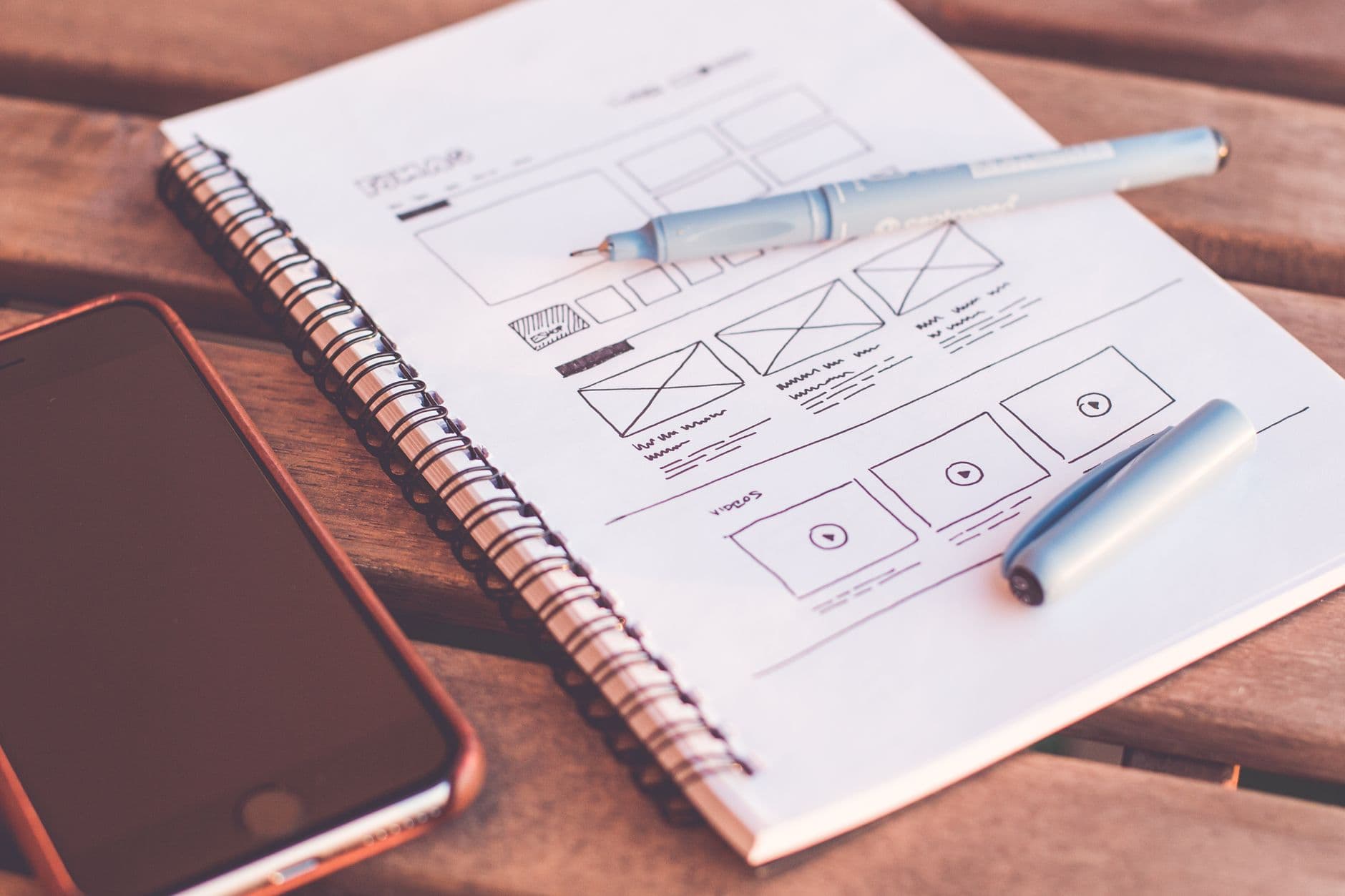
User-Centered Design (UCD) is a design methodology that places the needs, behaviors, limitations, and goals of real users at the center of every design decision. Instead of designing what seems logical from inside the organization, UCD starts by understanding how the people who will use the product think, what they need, and how they behave.
ISO standard 9241-210 defines UCD as "a systems development approach that applies human factors and ergonomics techniques to make systems usable and useful." In practice, it means that every design decision — from information architecture to the color of a button — is made with evidence of how real users interact with the product.
Forrester Research estimated that every euro invested in UX generates between 2 and 100 euros in return, depending on context. The variance is large, but the direction is consistent: designing with the user in mind has a direct economic return.
UCD is based on four fundamental principles that define how each project is approached:
1. Design is oriented toward real users, tasks, and environments. You're not designing for a hypothetical user or ideal conditions. You're designing for how real people use the product in their real context — with distractions, in a hurry, with limited knowledge of the system.
2. Users actively participate in design. UCD is not designing "for" users: it's designing "with" users. Research, tests, and validation with real people are a structural part of the process, not an optional phase at the end.
3. Design is iterative. There is no perfect design on the first attempt. UCD assumes there will be cycles of design, testing, and refinement. Each iteration incorporates learnings from the previous one.
4. Design covers the entire experience. Not just the visual interface: it includes the complete flow, error messages, empty states, transactional emails, and cognitive load at each step.
Research is the foundation of the entire process. Without understanding the user, design is intuition presented as methodology. The most commonly used techniques in this phase are:
The output of this phase is behavioral patterns, not feature wish-lists from users. What users say they want and what they actually need are different things — a good researcher knows how to read between the lines.
Using the research data, the team builds personas: user archetypes that represent the behavioral patterns, goals, and frustrations identified. A well-built persona is not a demographic (woman, 35–45, upper-middle income): it's a description of behavior and motivation.
| Persona component | What it includes |
|---|---|
| Name and context | Makes the profile concrete and memorable |
| Primary goal | What they're trying to achieve with the product |
| Current frustrations | What fails them with existing solutions |
| Behavior | How they use technology, how frequently |
| Representative quote | A phrase that captures their mindset |
Scenarios describe concrete situations in which the persona uses the product: the context, the trigger, the steps, and the expected outcome. Scenarios are the basis for flow design.
Prototyping translates research findings into design solutions that can be tested before investing in development. The key is to prototype with the minimum fidelity that allows testing the relevant hypothesis:
The most common mistake is investing too much time in high-fidelity prototypes before validating that the basic flow works. A paper prototype can reveal 80% of the problems at 5% of the cost.
Testing validates whether the design solves the problems identified in research. With just 5 users you detect approximately 80% of significant usability problems — this is Jakob Nielsen's rule and it remains valid for qualitative tests.
In testing, the most important thing is to observe without intervening. If the user can't find the "continue" button, the answer isn't to point it out: it's to document that the button has a visibility or labeling problem.
Testing findings feed the next round of design. The research → design → test → refinement cycle repeats as many times as the product's maturity level and project constraints require.
User-centered design and conversion optimization share the same epistemological foundation: decisions are made with evidence of how real users behave, not with the team's preferences.
The practical difference is temporal focus and type of evidence:
| Dimension | UCD | CRO |
|---|---|---|
| When applied | Initial design and redesigns | Continuous optimization |
| Type of evidence | Qualitative + quantitative | Predominantly quantitative |
| Validation method | Usability tests, prototypes | A/B tests, data analysis |
| Scale | Small group of users | All real traffic |
In practice, UCD and CRO complement each other. UCD identifies usability problems that CRO may not detect with aggregated data. CRO validates at scale whether a UCD solution improves conversion in a statistically significant way.
A mature process combines UCD's qualitative research to identify hypotheses and CRO's A/B tests to validate them with real traffic. This avoids both the risk of optimizing metrics without understanding behavior and the risk of redesigning interfaces based solely on user opinions in a test context.
| Phase | Tools |
|---|---|
| Qualitative research | Maze, UserTesting, Lookback, Dovetail |
| Behavior analysis | Hotjar, Microsoft Clarity, FullStory |
| Prototyping | Figma, Sketch, Marvel |
| Usability testing | Maze, UsabilityHub, UserZoom |
| Experience maps | Miro, FigJam |
The tool is secondary. What determines the quality of the UCD process is the quality of the research questions, the rigor in analyzing findings, and the honesty to recognize when the current design isn't working.
To review how your website is performing from the user and conversion perspective, you can run an automatic analysis at Scan&Boost. If you want to apply UCD and CRO in an integrated way in your funnel, learn about our CRO agency service.
Adrià Vidal, CRO specialist at Boost.
Composable commerce is a modular e-commerce architecture where you pick the best components for each function. Learn what it is, how it differs from the...
Connected TV (CTV) advertising lets you reach streaming audiences with targeted ads. Learn what CTV is, how it works, and how to integrate it into your...
Contentsquare is the leading digital experience analytics platform. Discover its features, how it differs from Hotjar or Clarity, and how to apply it to...

