
optimizacion-conversion5 min read
AB Tasty: Complete Guide to A/B Testing and Personalization
AB Tasty is a European experimentation and personalization platform combining A/B testing, feature flags and AI recommendations. Learn how to use it to...
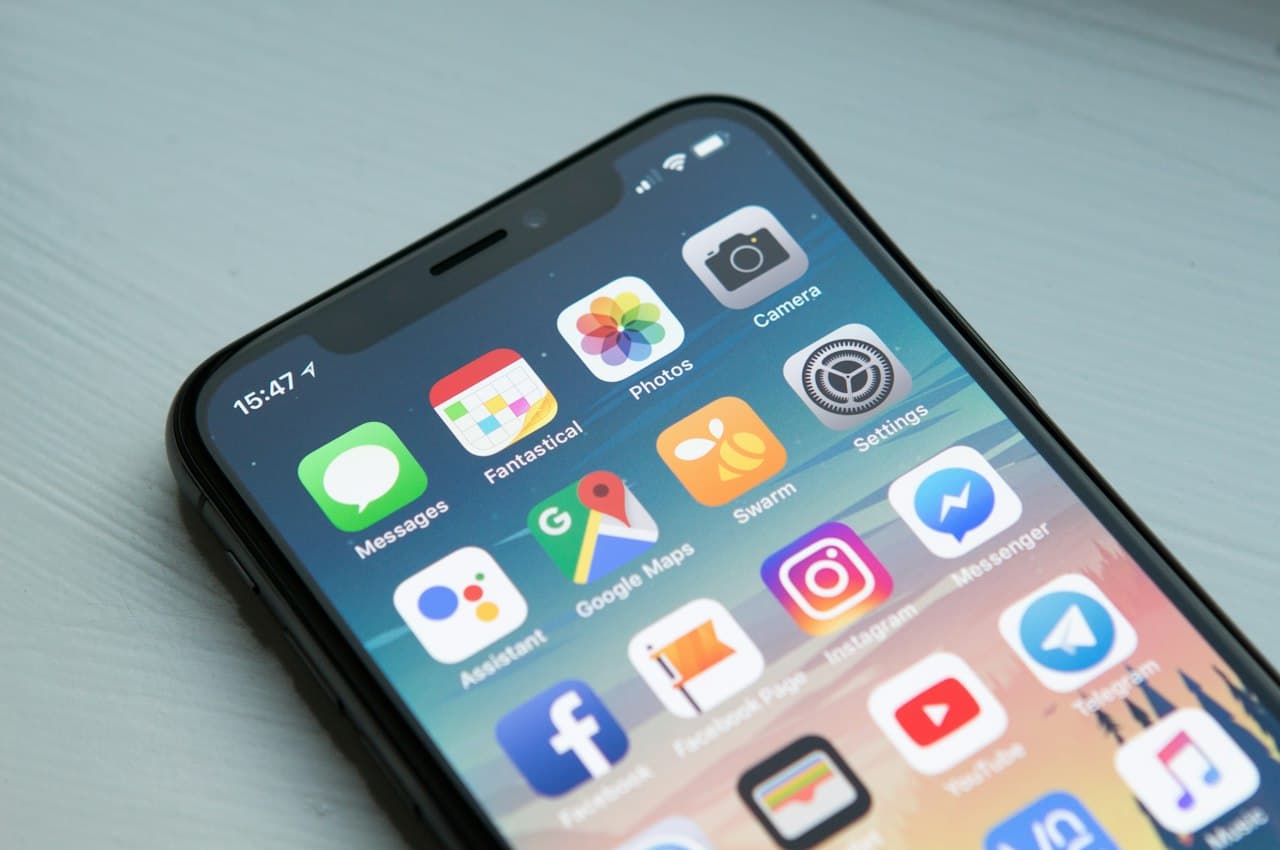
65% of App Store downloads come from a direct search (Apple, 2025). Apple Ads lets you appear right when the user is looking for a solution like yours.
If you have an app and need user acquisition in the iOS ecosystem, Apple Ads (formerly Apple Search Ads) is a channel you can't ignore. But like any advertising platform, its effectiveness depends on how you use it. This article covers the fundamentals, real costs and when it's worth the investment.
Apple Ads is Apple's advertising platform that allows developers to promote their apps directly in the App Store. Ads appear in search results and other prominent placements within the store.
The value proposition is simple: you reach users at the moment of peak intent. When someone searches "meditation app" in the App Store, they've already decided they want to install something. Your ad appears at exactly that decision point.
| Placement | Where it appears | Available in |
|---|---|---|
| Search Results | Top result in search | Basic and Advanced |
| Search Tab | Search tab before typing | Advanced |
| Today Tab | App Store main tab | Advanced |
| Product Pages | "You Might Also Like" section on other app pages | Advanced |
Designed for small developers or those who want simplicity. Apple automatically manages bids, targeting and creative.
Features:
When to use it: When you're starting out, have a limited budget or don't have a dedicated paid media team.
Full control over the campaign. You choose keywords, audiences, bids and creatives.
Features:
When to use it: When you need to scale acquisition, control CPA and optimize for specific segments.
What you pay each time a user taps your ad. Average CPT varies enormously by category and country:
| Category | Average CPT (Spain) | Average CPT (US) |
|---|---|---|
| Games | 0.30-0.80 EUR | 0.80-2.50 USD |
| Finance | 1.50-4.00 EUR | 3.00-8.00 USD |
| Health & Fitness | 0.50-1.50 EUR | 1.00-3.00 USD |
| Productivity | 0.80-2.00 EUR | 1.50-4.00 USD |
| Ecommerce | 0.60-1.80 EUR | 1.20-3.50 USD |
Indicative data based on SearchAds.com and SplitMetrics benchmarks, 2025.
What truly matters: how much it costs for a user to install your app. Calculated by dividing total spend by the number of installs.
Percentage of impressions that generate a tap. Indicates how relevant your ad is to the user's search. A low TTR suggests your App Store listing (icon, title, screenshots) isn't appealing or isn't relevant for the keywords you're bidding on.
Percentage of taps that result in an install. If TTR is high but conversion is low, the problem lies in your app's product page (description, ratings, screenshots).
Revenue generated by the app divided by ad spend. The ultimate metric for evaluating profitability, especially for apps with direct monetization (in-app purchases, subscriptions).
ASO (App Store Optimization) and Apple Ads aren't mutually exclusive strategies — they're complementary. In fact, they work better together.
ASO improves Apple Ads:
Apple Ads improves ASO:
There's no mandatory minimum in Apple Ads, but here are realistic ranges for obtaining meaningful data:
| Scenario | Monthly budget | Estimated installs | Viability |
|---|---|---|---|
| Initial test (Basic) | 200-500 EUR | 100-300 | Enough to validate |
| Moderate scale | 1,000-5,000 EUR | 500-3,000 | Solid data for optimization |
| Aggressive scale | 5,000-20,000 EUR | 2,000-15,000+ | Requires active optimization |
| Enterprise | 20,000+ EUR | Variable | Professional management required |
Estimates for the Spanish market. For the US, multiply CPT by 2-3x.
| Criterion | Apple Ads | Google Ads (App Campaigns) |
|---|---|---|
| Platform | iOS only (App Store) | Android (Play Store) + iOS + Search + Display + YouTube |
| Keyword control | Full (Advanced) | Limited (Google chooses automatically) |
| User intent | Very high (searching in the store) | Variable (depends on format) |
| Creatives | Based on App Store listing | Automatic combination of assets |
| Average cost | Generally lower CPT | Greater reach but lower intent |
| Transparency | High (you see which keywords work) | Low (Google's black box) |
| Audience | iOS users only | Cross-platform |
Apple Ads is a powerful acquisition channel for iOS apps, especially when combined with a solid ASO strategy. Its greatest strength is high user intent: you're reaching someone who is already actively searching for a solution.
If what you need is to optimize your website or app's conversion once the user has arrived, at Boost that's exactly what we do. And for a quick diagnostic of your digital experience, try Scan&Boost.
— Adrià Vidal
AB Tasty is a European experimentation and personalization platform combining A/B testing, feature flags and AI recommendations. Learn how to use it to...
BigCommerce is a SaaS eCommerce platform with advanced headless commerce, B2B, and multi-storefront capabilities. See how it compares to Shopify,...
Bloomreach is an enterprise digital commerce experience platform with AI-powered search, merchandising, personalization, and marketing automation. See how...